
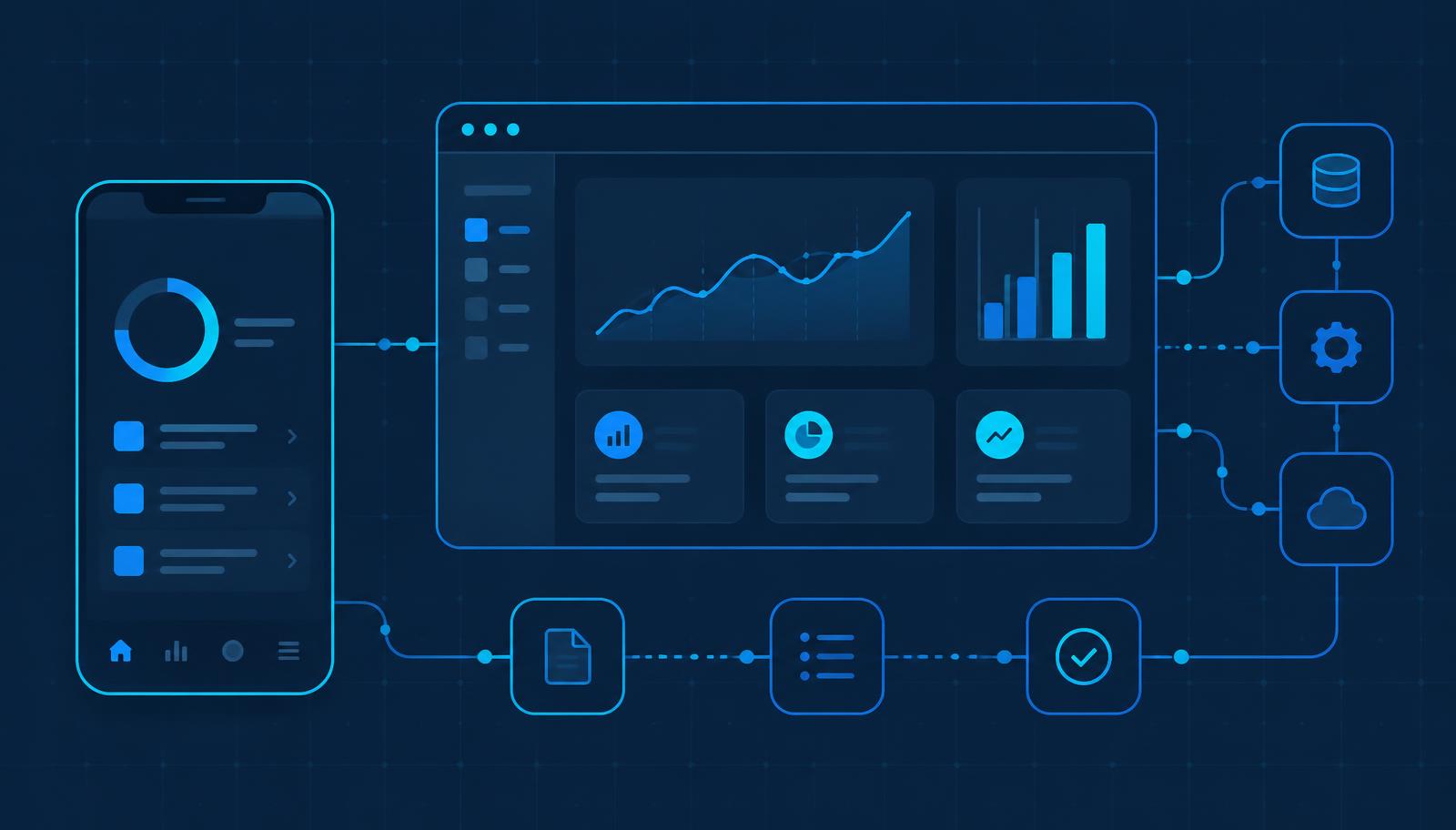
Business App Development Planning Guide for Bahrain
Most application projects run into trouble before a line of code is written. This guide from MTT — My Telecom Technology — sets out how to define users, workflows, requirements and acceptance criteria so a build can be delivered predictably.
In short: a business application is only as good as the understanding behind it. Spend the early effort on who uses the system, what each person needs to accomplish, how the process really works today, and how you will judge that a function is complete. Decide platform, integrations, roles and data handling before development, and agree deployment, handover and support before go-live.
This guide is written for managers and IT teams in Bahrain considering a mobile app, web application, portal or dashboard to support a business process. It complements the app development service page, which sets out how MTT delivers application work.
Discovery
Discovery establishes the problem before anyone proposes a solution. It covers the current process including the parts people work around, the volumes involved, who is accountable for each step, what goes wrong today, and what a better outcome would look like in practical terms. The output is a shared written understanding rather than a feature list.
Discovery is also where genuinely hard constraints surface: approvals that cannot change, data that cannot leave a system, regulatory or internal policy expectations, and deadlines tied to something outside the project. Finding these early costs a conversation; finding them late costs rework.
Users and workflows
List each distinct user type and describe what they need to do in their own terms. A field technician, a supervisor approving work, an administrator managing reference data and a manager reading reports have different needs, and designing for an average of them satisfies none.
Then map the workflow end to end, including the exceptions: rejected submissions, absent approvers, corrections after submission, and what happens when something is done out of order. Exceptions are where most real-world effort in a business application lives, and they are the most common source of late-discovered scope.
Mobile, web, portal or dashboard
Platform choice should follow the work, not preference:
| Type | Suits | Plan for |
|---|---|---|
| Mobile application | Field and on-site work, photo capture, movement between locations | Device types, connectivity gaps, screen size, battery and data use |
| Web application | Office work, data entry at scale, administration and reporting | Browser support, larger data views, role-based navigation |
| Customer or supplier portal | Controlled external access to their own records | Registration and identity, permissions, what is visible externally |
| Dashboard or reporting layer | Oversight and decision support | Data sources, refresh frequency, who may see which figures |
Requirements and acceptance criteria
A requirement should state who does what, with which data, and what should happen as a result. Each one needs acceptance criteria: the observable conditions under which you would agree it is complete. This turns handover from a matter of opinion into a checklist both sides can work through.
It also helps to separate what the application must do at launch from what can follow later. A smaller, well-finished first release that people actually adopt is usually more valuable than a larger one delivered late and used reluctantly.
Integrations, APIs and IoT
Where the application must exchange data with other systems, agree for each interface: the direction of flow, the frequency, the fields involved, the behaviour when the other system is unavailable, and who owns the credentials and the support relationship for that system.
Applications that read from connected devices or building systems carry their own considerations — device availability, data volume and what happens to readings during an outage. Where that applies, it is worth coordinating with the wider smart building and IoT scope, and with any AI solutions that supply data into the workflow.
Roles, security and privacy
Define roles early, because they shape navigation, screens and data visibility. For each role, record what it can see, what it can change and what it can approve, and keep administrative capability deliberately narrow.
Alongside that, decide where data is stored, who can export it, how long records are kept, how accounts are created and removed, and which actions should be recorded for audit. These are business decisions and should be written into the requirements rather than inferred during build.
User experience
Adoption depends on whether the application is faster than the habit it replaces. Practical priorities are short paths to the most frequent task, forms that ask only for what is needed, clear error messages, sensible defaults, and screens that work on the devices people genuinely use — including outdoors or in a plant environment where glare and gloves matter. Reviewing screen designs with real users before development is one of the cheapest risk reductions available.
Quality assurance
Testing should follow the acceptance criteria and cover the exception paths as well as the straightforward ones: permissions for each role, integration behaviour, performance with realistic data volumes, and the target devices and browsers. A short period of user acceptance testing with the people who will actually use the system typically surfaces workflow issues no internal test finds.
Deployment and handover
Plan the release rather than improvising it: how existing data is migrated and verified, whether there is a pilot group first, how accounts are created, and how users are trained. Handover should include administrator training, user documentation, an agreed point of contact and a clear description of what the support arrangement covers.
Support and evolution
Applications change after launch. Expect refinements once real use exposes what the process actually needs, periodic platform and dependency updates, and planned enhancements as the business changes. Agree how change requests are raised, prioritised and released, and who on the client side owns that decision.
What affects scope and cost
Without quoting figures, these are the factors that consistently move the size of an application project:
- the number of distinct user roles and screens;
- how many workflow variations and exceptions are in scope;
- the number and complexity of integrations;
- offline working and data synchronisation;
- reporting depth and the number of outputs required;
- security, audit and data-retention expectations;
- volume and condition of legacy data to migrate;
- the range of devices and browsers to support;
- how much clarity exists before development starts.
Client preparation checklist
- A written description of the problem to be solved
- The user types involved and what each needs to accomplish
- The current process end to end, including workarounds
- Examples of existing forms, spreadsheets or reports
- Exception cases: rejections, absences, corrections
- Systems the application must exchange data with
- Roles and who may see, change or approve what
- Data storage, retention and audit expectations
- Devices and browsers users actually have
- Existing data to migrate and its condition
- Reports and outputs required at launch
- A named decision-maker on the client side
Frequently asked questions
Reviewed by the MTT Engineering Team · Published 23 September 2026
Related MTT capabilities
Applications usually depend on the infrastructure beneath them — see the enterprise Wi-Fi and network infrastructure guide and the server room and data centre planning guide. For sector context see industrial and manufacturing, or get in touch.
Plan your project with MTT
Describe the process you want to improve and who will use the system, and MTT will arrange a discovery discussion or prepare an indicative scope.