
Enterprise Wi-Fi: Common Problems and What Actually Causes Them
Most Wi-Fi complaints are symptoms, and most Wi-Fi purchases treat the symptom. This guide from MTT — My Telecom Technology — works through the real causes of enterprise wireless problems and what to establish before spending anything.
MTT Engineering Guide
Published by MTT — My Telecom Technology, a systems integrator working across Bahrain and Saudi Arabia since 2007. More about MTT.
This guide is vendor-neutral. It assumes an existing network that is underperforming, and works from the reported symptom back to the cause.
Symptoms and what they usually mean
| Symptom | Common causes | First checks |
|---|---|---|
| Dead spots in specific areas | Coverage gaps, absorption by racking or partitions, access point positions chosen for cabling convenience | Survey the area in its loaded state; check access point placement and antenna type |
| Strong signal, slow speed | Co-channel contention, interference, client density per radio, saturated uplink or internet | Channel plan, client counts per radio, uplink and WAN utilisation |
| Drops while walking | Roaming issues, excessive transmit power, inconsistent configuration, subnet change | Access point spacing, power levels, roaming configuration |
| Works in the morning, poor at peak | Capacity rather than coverage; too few radios for the client count | Concurrent client and application load per area |
| Scanners or handhelds dropping | Device-specific roaming behaviour and lower radio sensitivity | Device capability, coverage overlap, minimum data rates |
| Everything slow, all sites | Wired network, firewall or internet bottleneck, not wireless | Switch uplinks, firewall throughput, WAN capacity |
Coverage versus capacity
These are different problems with different fixes and they are routinely confused. Coverage is whether a usable signal reaches the area. Capacity is whether the radios can serve the number of clients and the type of traffic in that area.
A meeting room with strong signal and forty devices in a video call is a capacity problem — more coverage will not help. A far aisle with two scanners is a coverage problem — more capacity will not help. Designing for both requires knowing the client count and the applications per area, not just the floor size.
Interference and channel planning
Wi-Fi is a shared medium. Every device on a channel waits its turn, so two access points on the same channel within earshot of each other do not double capacity — they share it and add overhead.
- the 2.4 GHz band has very few non-overlapping channels and is best kept for devices that need it;
- 5 GHz gives far more channel choice, at shorter range and with more sensitivity to obstructions;
- 6 GHz, where the client estate supports it, offers additional spectrum and less legacy congestion;
- wide channels increase peak throughput but reduce the number of clean channels available;
- transmit power set too high creates self-interference and blocks roaming;
- neighbouring tenants, machinery and non-Wi-Fi emitters all contribute to the noise floor.
Automatic channel and power management helps, but it works from what it can measure — it cannot correct a bad physical layout.
Roaming and client behaviour
The client, not the network, decides when to roam. The design's job is to make the right decision obvious: consistent configuration across access points, sensible overlap, transmit power that does not let a device cling to a distant radio, the same SSID and VLAN throughout the roaming area, and fast-roaming features enabled where clients support them.
Handheld scanners, voice handsets and older industrial devices often have weaker radios and simpler roaming logic than laptops. If those devices matter operationally, they should be the design reference, not an afterthought.
Cabling, PoE and the wired network
A wireless network is only as good as the wired network behind it, and a surprising share of "Wi-Fi problems" are wired problems.
- access point cabling must be tested and within distance limits — marginal links produce intermittent faults that are hard to attribute;
- PoE budget must cover the access points actually installed, including higher-power models;
- switch uplinks need capacity for the aggregated wireless load, not just the port count;
- a single uplink or switch can be the real bottleneck across an entire floor;
- cabinet space, cooling and protected power affect stability more than they get credit for.
See structured cabling and network infrastructure.
VLANs, guest access and firewalls
Segmentation is part of wireless design, not a separate exercise. Corporate, guest, IoT and operational devices should sit on separate VLANs with routing and firewall policy that reflects what each is allowed to reach.
- guest access isolated, rate-limited and with no path to internal resources;
- IoT and building devices separated from user traffic;
- enterprise authentication for corporate devices where the estate supports it;
- firewall throughput checked against the aggregate load, since it is a common bottleneck;
- administrative access to controllers and access points restricted and logged.
Outdoor, warehouse and industrial conditions
Regional conditions matter here. Outdoor equipment faces heat, humidity, dust and salt air, and mounting positions must survive them along with the access requirements for future service.
- warehouses need survey in the loaded state and antennas suited to aisle geometry;
- high-bay mounting affects coverage shape and creates working-at-height service costs;
- cold stores and washdown areas need appropriately rated enclosures;
- yards and open areas usually need directional coverage rather than more omnidirectional access points;
- metal structures, racking and liquids reflect and absorb signal in ways a floor plan will not reveal.
Point-to-point and building-to-building links
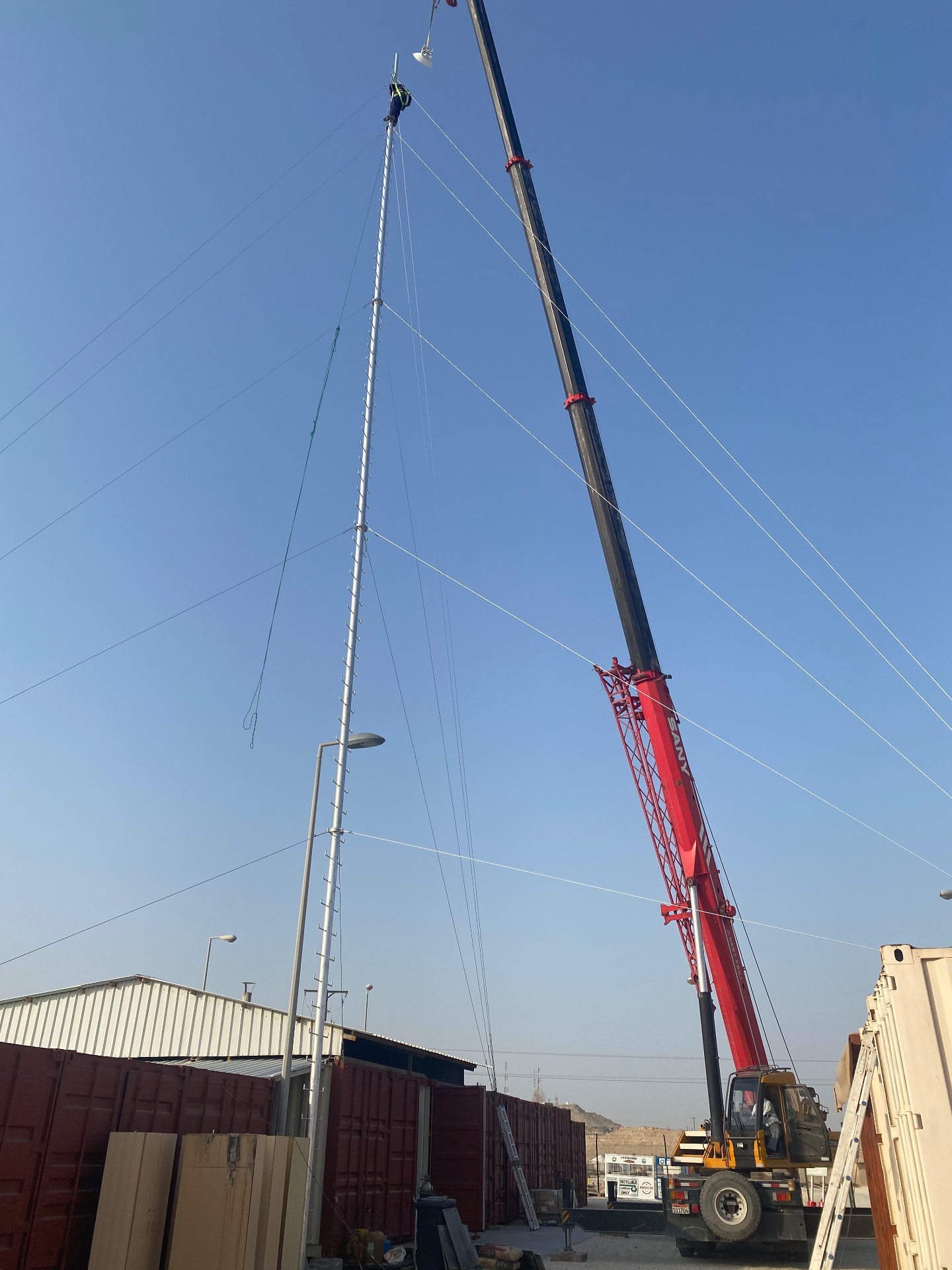
Where a fibre route is impractical, a point-to-point wireless link can connect buildings, gatehouses, yards or remote plots. The decisive factors are clear line of sight, stable mounting, the capacity required, and how much a weather-related interruption would cost.
Links should be designed with the distance and obstruction profile measured, and with a defined position on redundancy where the link carries critical traffic such as CCTV or access control.
Monitoring and ongoing management
Wireless environments change: partitions move, stock levels shift, neighbours install their own networks, and client estates turn over. Without monitoring, the first indication is a complaint.
Useful visibility includes access point availability and client counts, channel utilisation and interference, roaming and authentication failures, uplink utilisation, and firmware levels. Reviewing these periodically catches drift before it becomes an outage.
When a site survey is needed
- warehouses, industrial areas and anywhere with racking or heavy machinery;
- outdoor yards, car parks and inter-building coverage;
- multi-floor buildings where vertical propagation matters;
- high-density areas such as auditoriums, canteens and training rooms;
- any site where the existing network already underperforms;
- before expanding a network that was never surveyed in the first place.
A survey measures the environment rather than predicting it, and it is what turns a shopping list into a design.
Common mistakes
- adding access points to fix a capacity or interference problem;
- designing from an empty-building plan for a site that operates full;
- transmit power left at maximum, preventing roaming;
- wide channels everywhere, leaving no clean spectrum;
- access points placed where cabling was easy rather than where coverage is needed;
- untested cabling and an inadequate PoE budget;
- uplinks and firewall throughput never checked against the aggregate load;
- guest and IoT traffic on the same VLAN as corporate devices;
- no monitoring, so problems are reported by users instead of detected;
- no re-survey after a layout, racking or occupancy change.
How MTT approaches a Wi-Fi problem
- Step 01Define the symptom
Where, when, which devices and which applications — recorded per area rather than as a general complaint.
- Step 02Check the wired path
Cabling, PoE budget, switch uplinks, firewall and WAN capacity are verified before touching the wireless design.
- Step 03Site survey
Measurement in the real environment, in its loaded and occupied state, including interference and channel utilisation.
- Step 04Design
Access point positions, antenna types, channel and power plan, VLANs and roaming configuration.
- Step 05Implementation
Installation, cabling, configuration and phased cutover so operations continue.
- Step 06Validation and support
Post-installation verification against the design, documentation, and monitoring or maintenance cover.
Buyer checklist
- Problem described per area, with times and devices
- Client counts and applications per area documented
- Wired path verified: cabling, PoE, uplinks, firewall, WAN
- Survey carried out in the loaded and occupied state
- Channel and transmit power plan included in the design
- Antenna types chosen for the space, not by default
- Roaming configuration defined and consistent
- VLAN and guest separation specified
- Outdoor and industrial equipment rated for conditions
- Mounting positions serviceable without major access equipment
- Monitoring and alerting included
- Post-installation validation against the design
- Documentation: as-builts, configuration and test results
- Maintenance and firmware policy agreed
What MTT needs from you
- floor plans or a site layout, with the problem areas marked;
- what fails, where and when, and which devices are affected;
- approximate client numbers and the applications that matter;
- details of existing access points, switching, firewall and internet capacity;
- whether the space is loaded, partitioned or changes regularly;
- any outdoor or inter-building coverage requirement, with distances;
- site access constraints and preferred working windows.
Frequently asked questions
Related MTT capabilities
Sectors where this applies
Find out what is actually wrong.
Describe the areas that fail and we will arrange a wireless site survey, or prepare a budgetary quotation for the design and installation.
Enquiries are handled through the protected MTT enquiry form. Your details are used only to respond to your request.